Lock the apps that
always distract you.
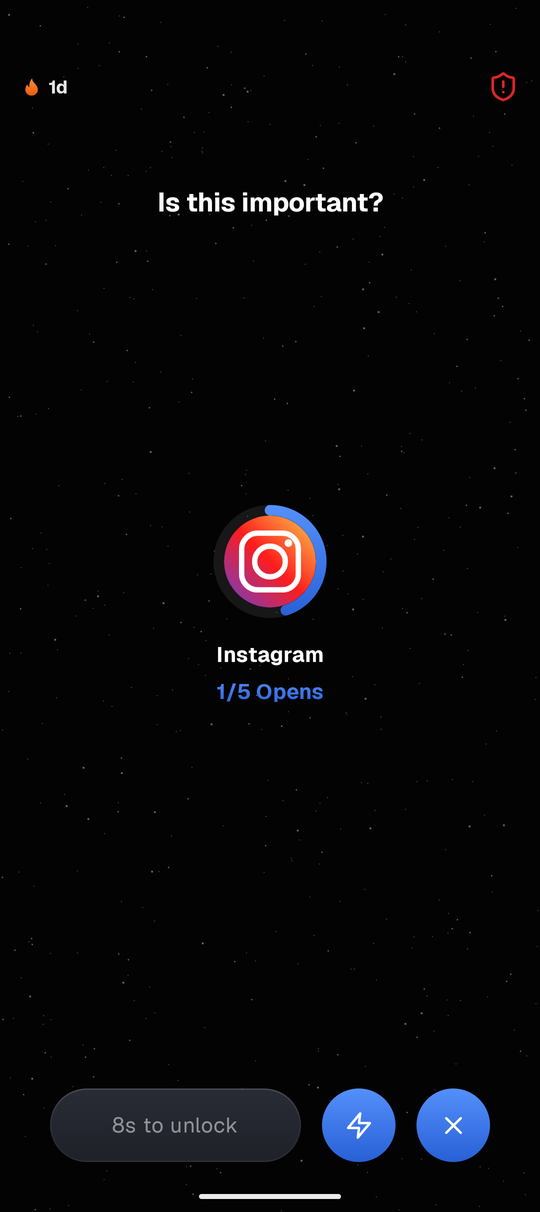
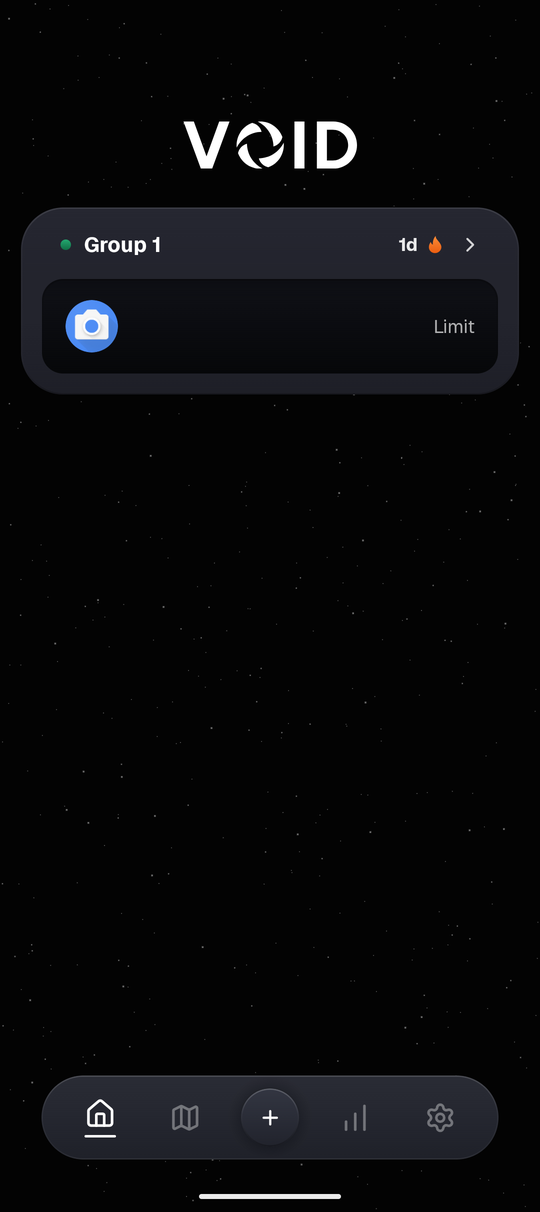
VOID is an Android app and website blocker that puts a 5-second pause before apps like Instagram or YouTube open. When you reach for your phone out of habit while studying or before bed, that short wait makes it easier to close the app and get back to what you were doing.
A short pause before your feed loads
Start with just one app that pulls you away from work or sleep. You pick the rule and how strict it is, without setting up complicated schedules right away.
Tools that actually hold your limits
Start with a simple countdown pause, then add schedules, location rules, Wi-Fi rules, or settings locks if you want stricter protection.
Blocks Both Apps & Websites
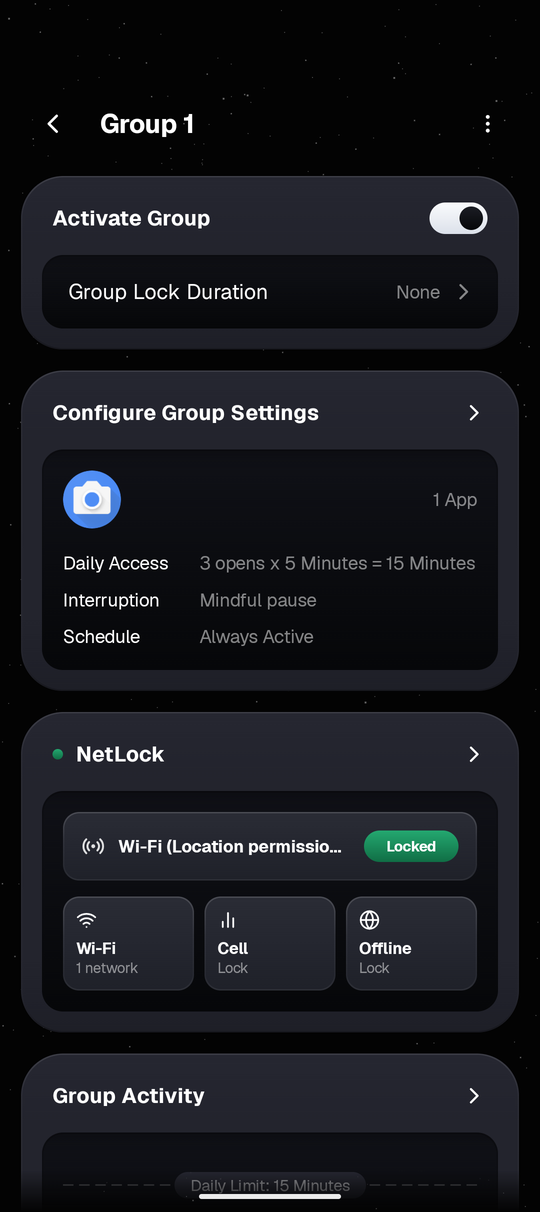
Group related apps and websites under one rule so closing the app doesn't push you straight into the browser version (works in Chrome, Samsung Internet, Firefox, Edge, Brave, and Opera).
Pause Before Every Open
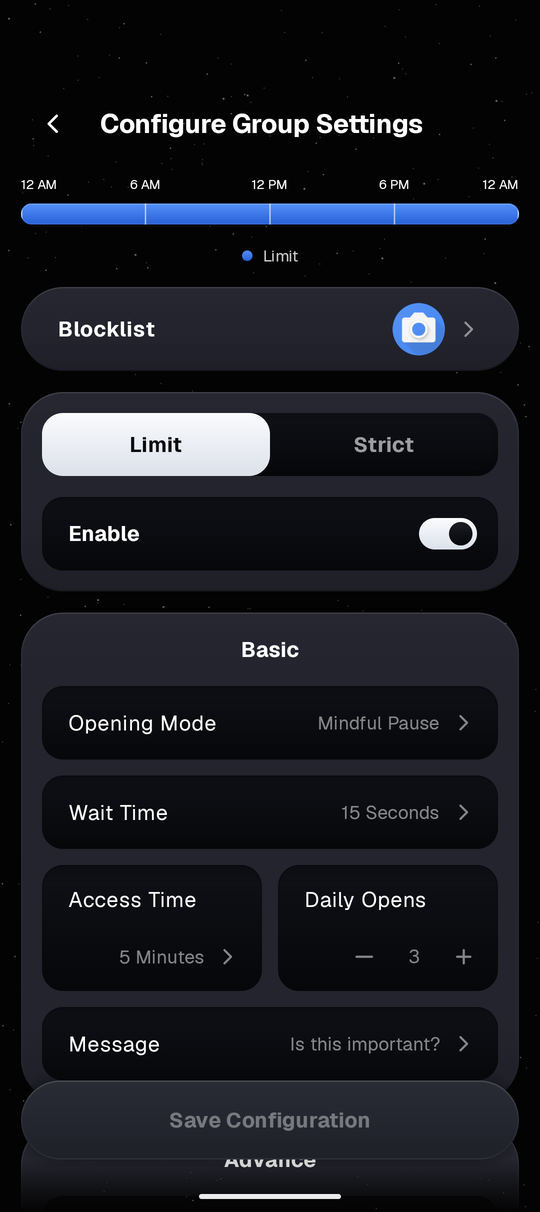
Pick a simple countdown to start, or turn on extra challenges and longer wait delays if you keep opening the same app repeatedly.
Locks by Place or Wi-Fi
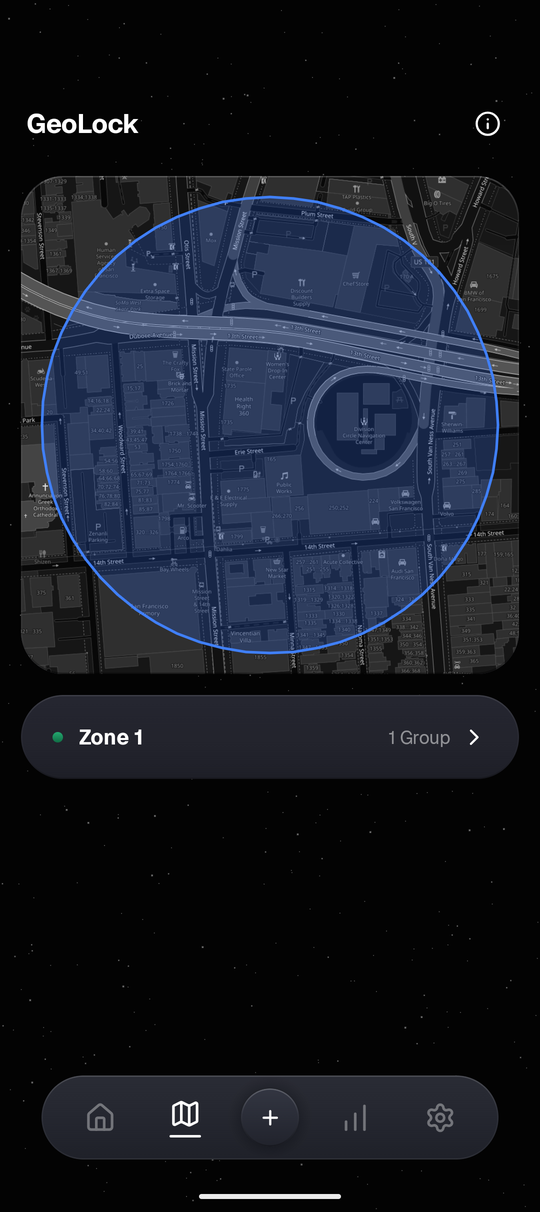
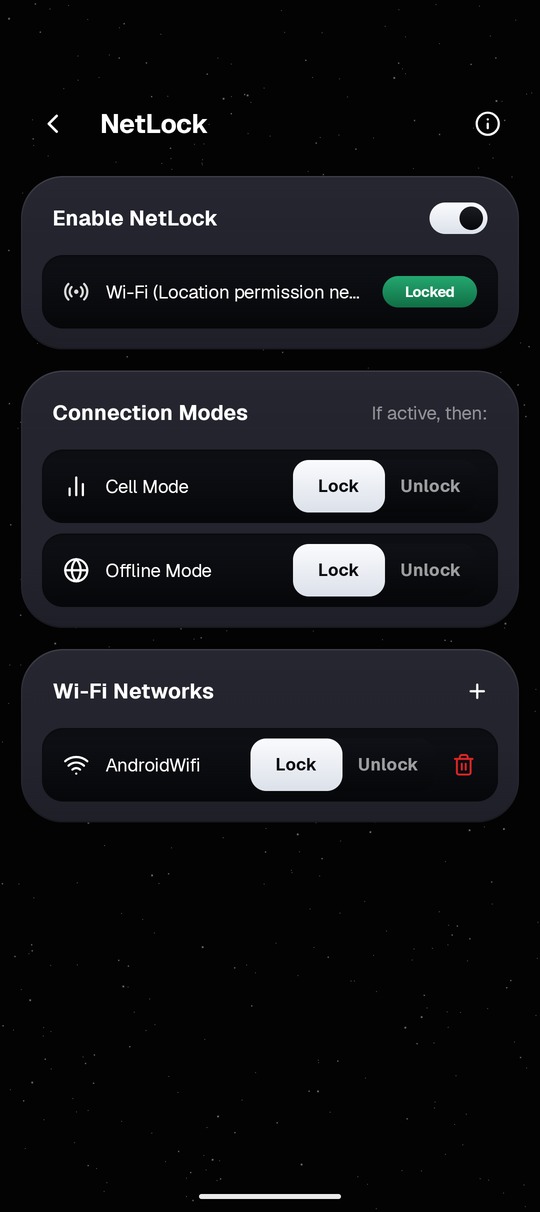
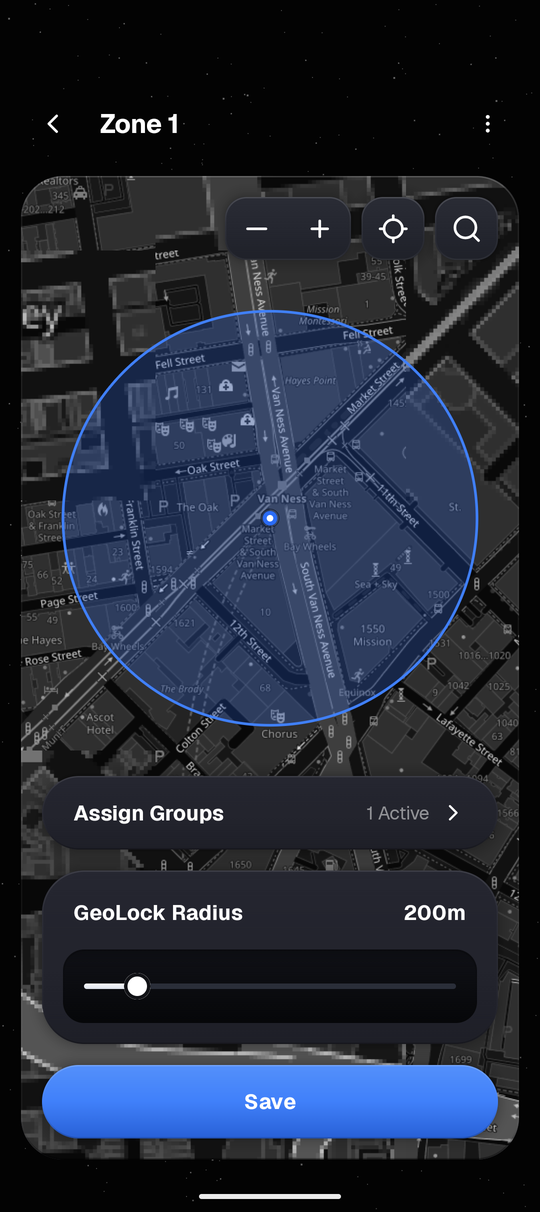
Optional rules that activate automatically around chosen map zones (with background location enabled) or whenever your phone joins a saved Wi-Fi network.
Extra Settings Locks
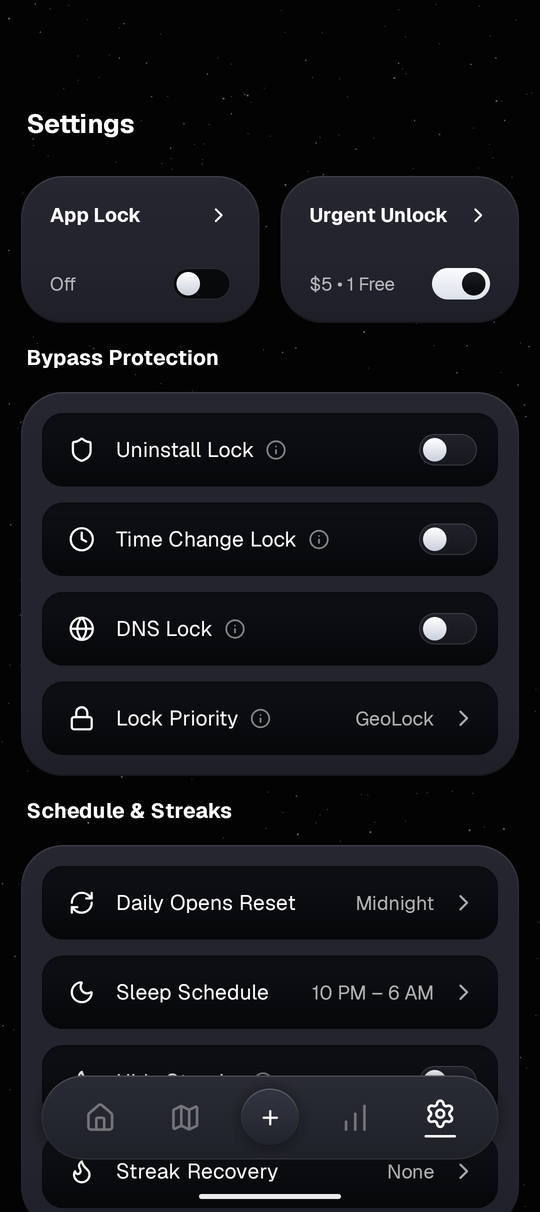
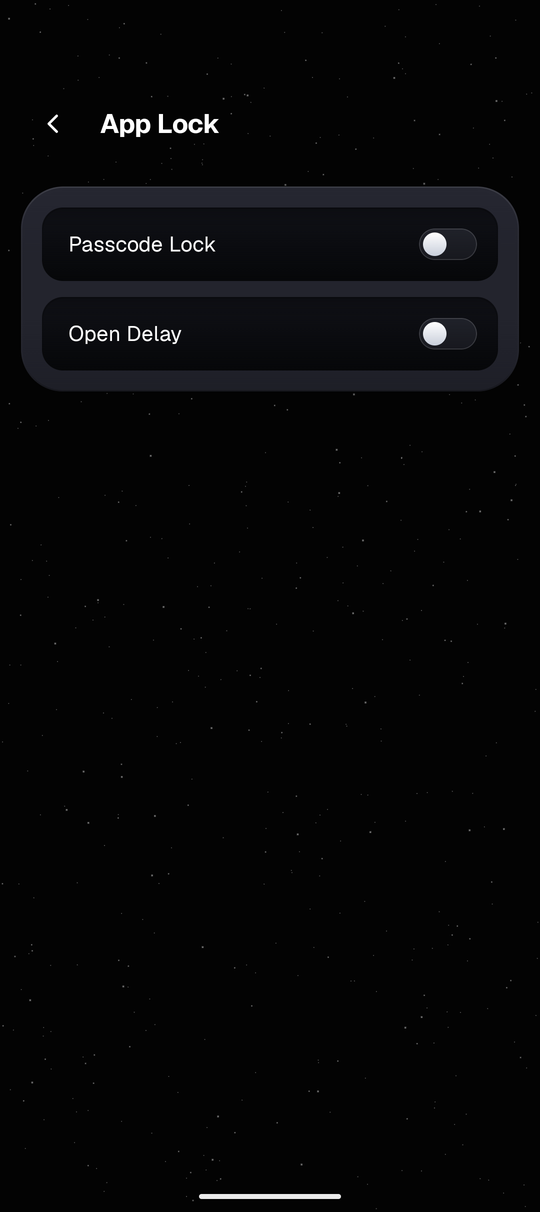
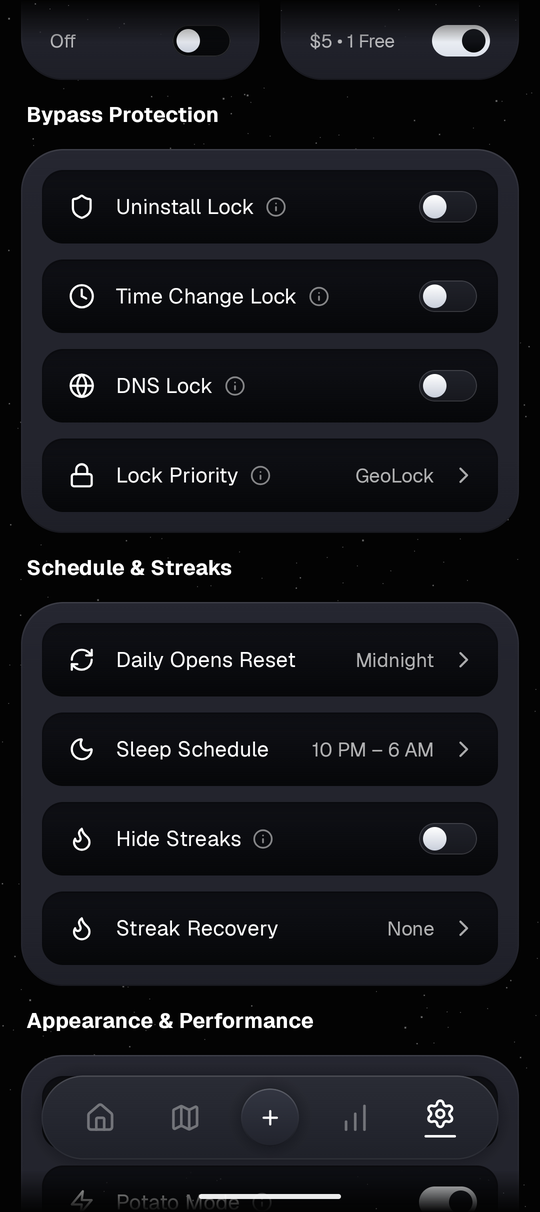
Keep your chosen rules steady late at night with optional Android Accessibility guards, plus your own PIN or fingerprint lock on VOID settings.
Work Hours & Sleep Schedule
See your daily rules across one 24-hour bar. Sleep hours slow things down before bed, and an optional 1-minute warning lets you finish typing before closing an app.
Urgent Unlock & Privacy
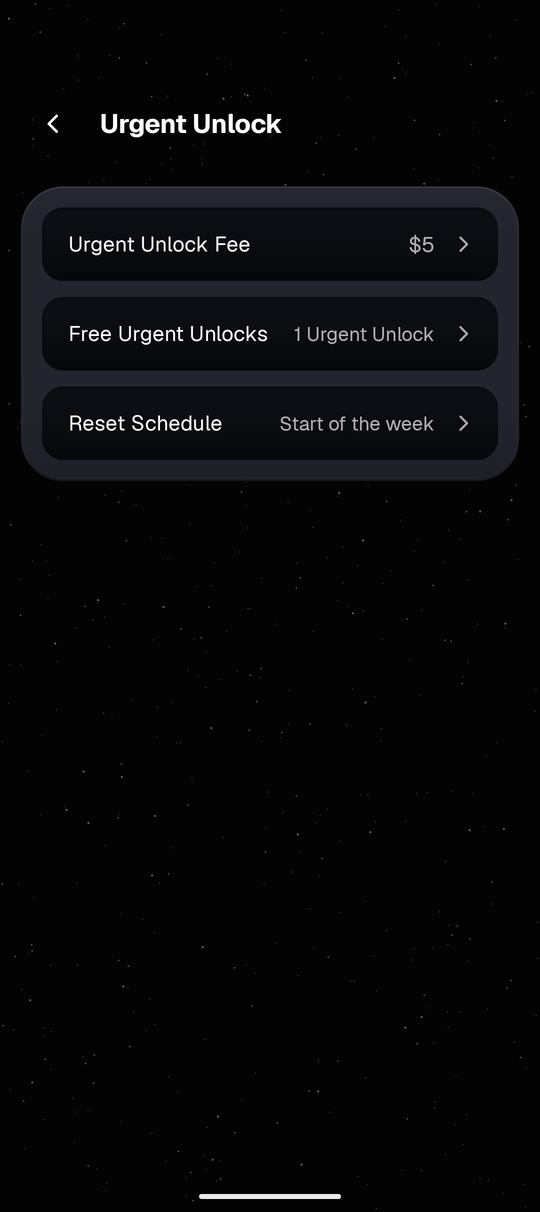
Urgent Unlock gives you one free 3-hour backup pass each week for real emergencies. All your rules, counts, and your hashed passcode stay locally on your phone.
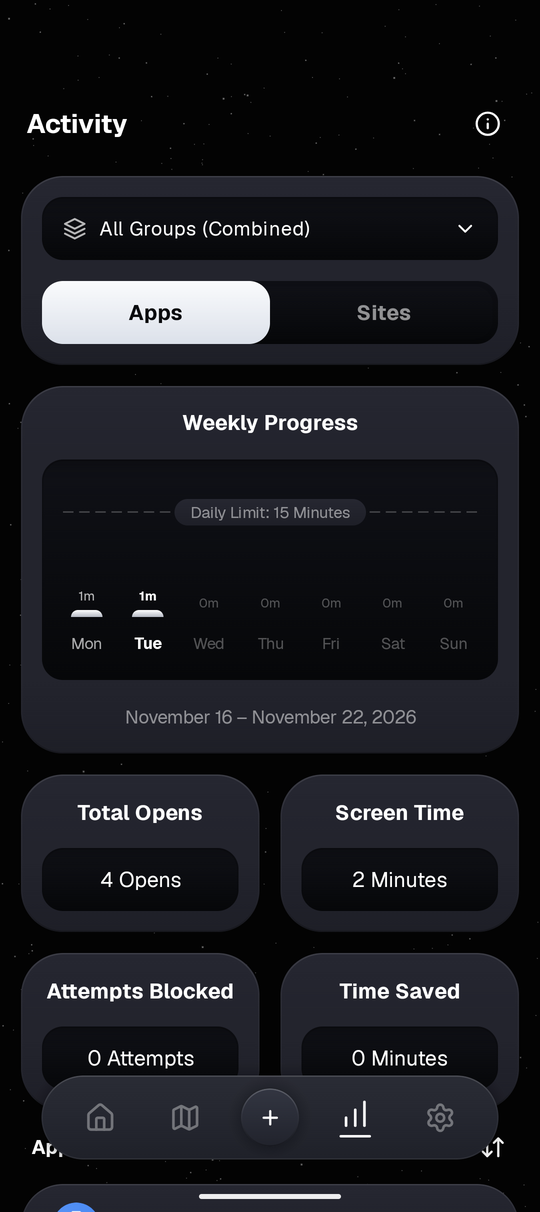
See Every Screen Inside VOID
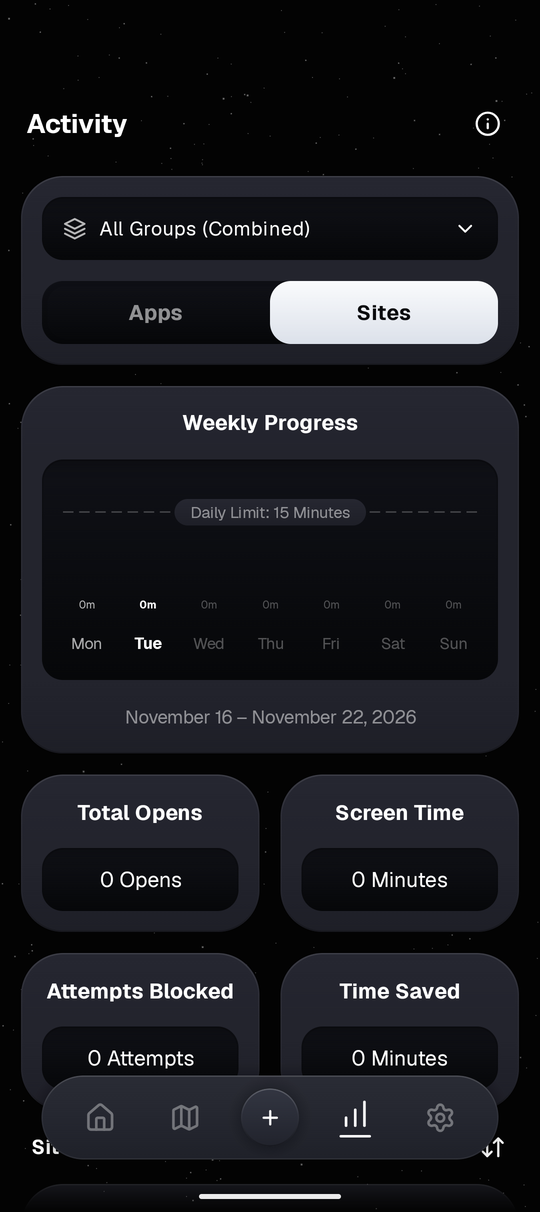
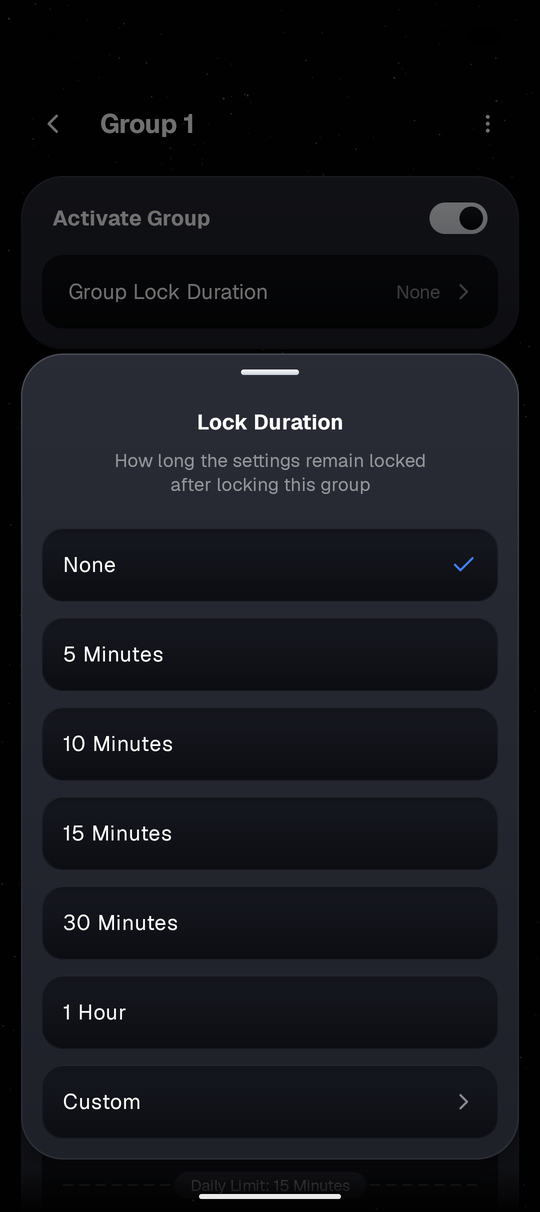
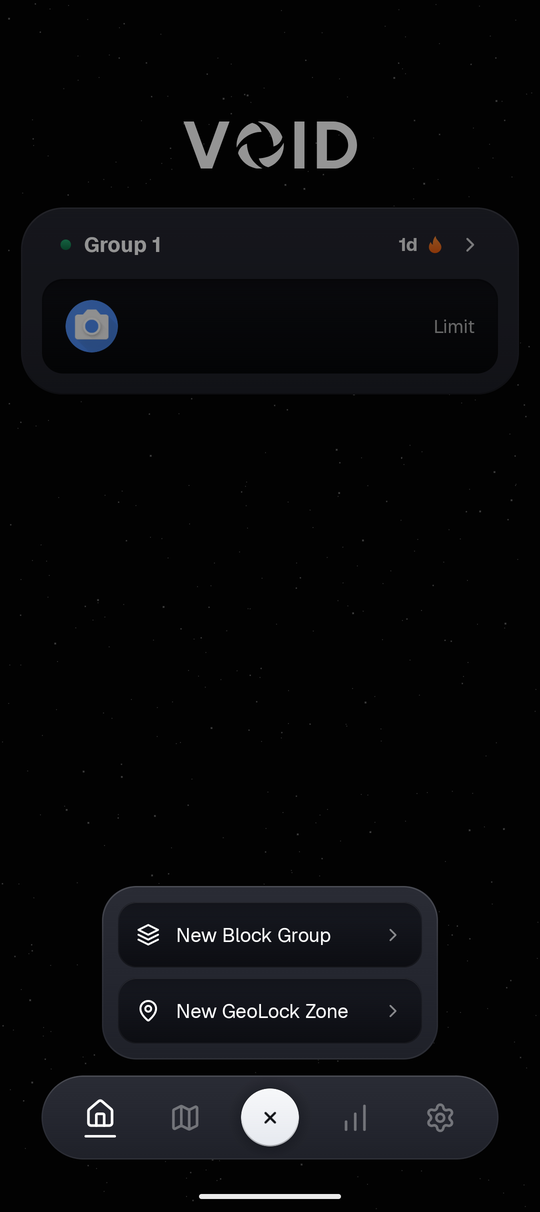
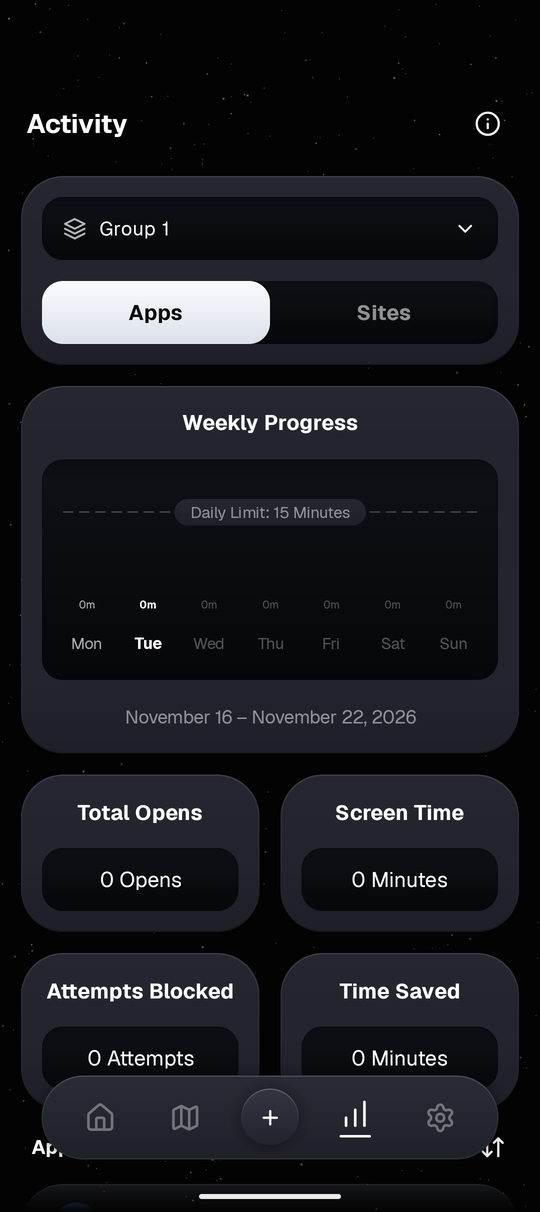
Explore how daily app groups, 24-hour schedules, map zones, Wi-Fi rules, and usage stats work together on Android.
How VOID Compares
Where VOID fits alongside built-in Android controls and typical blockers.
| What Matters Most |

|
Google Wellbeing | Typical Blockers |
|---|---|---|---|
|
Slows you down first
Checks before loading feeds
|
4 Optional Pause Steps
Wait countdown, stillness, photo, or typing
|
~Dashboard & app timer, pause dialog varies |
~Usually hard block or timer countdown |
|
Blocks websites too
Shared app & browser groups
|
Apps & Sites Shared
One rule covers the app & matching domain
|
~App timers primary; separate Chrome site timers |
~Website support varies by app tier |
|
Location & Wi-Fi locks
Automatic rules by place
|
GeoLock + NetLock
Map zones (30m–1500m) & saved Wi-Fi triggers
|
×Schedule-based Focus mode only |
~Found mostly in paid plans |
|
Extra settings protection
Helps rules stay put
|
4 Optional Guards
Uninstall, clock, DNS & hashed PIN lock
|
×No PIN lock inside Digital Wellbeing |
~Strict lock options vary by blocker |
|
Account & ads
How personal rules are stored
|
No Sign-In, Zero Ads
Blocking stays on phone (online tiles only for maps)
|
~No ads; tied to Google Android system profile |
~Free tiers often use ads or cloud sign-in |
Daily Screen Time Calculator
Illustrative estimate over 54 years (ages 26 to 80) in 16h waking days, assuming a 40% reduction in daily opens.
Try VOID on Your Phone
Start with one or two apps you check too often at night. Put a 5-second pause before they open, with no account needed and no ads.
Frequently Asked Questions
Straightforward answers about permissions, privacy, and rules.
Start With One App Today
You don't need strict lockouts or location rules on day one. Install VOID on Android, add a 5-second pause to the app you open most, and adjust as you go.